Blog · Fund accounting
How to build a church chart of accounts (with a sample)
June 26, 2026 · By Benjamin Reinke
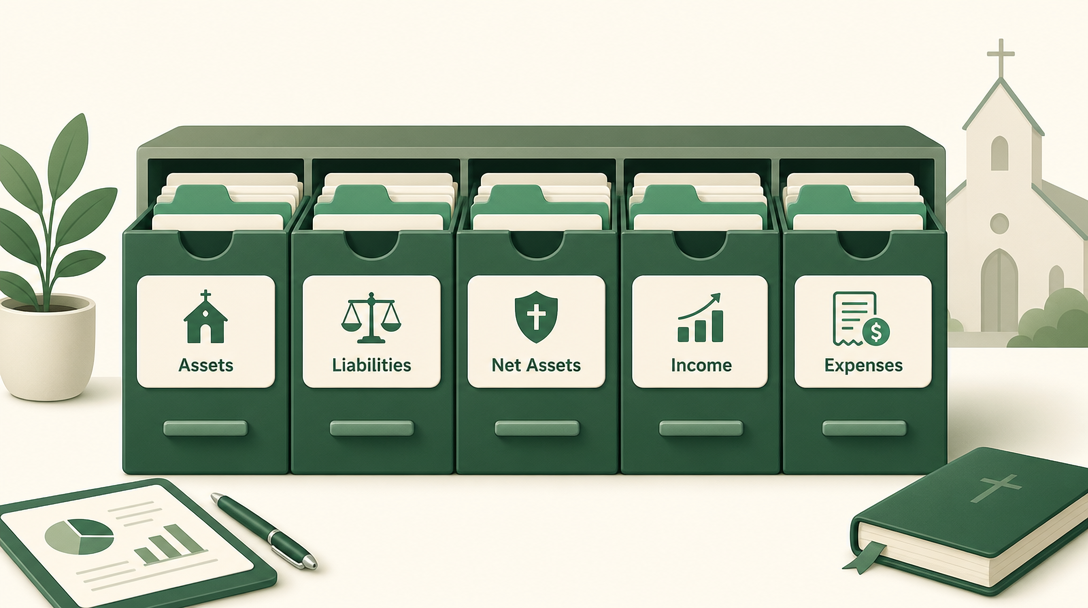
Short answer: A church chart of accounts is the organized list of every category your money flows through — assets, liabilities, net assets, income, and expenses — each with a number. A good one is simple, mirrors how your church actually operates, and keeps funds as a separate dimension so a single account list works across every fund. Most small churches need far fewer accounts than they think.
What a chart of accounts is
Think of your chart of accounts (COA) as the labeled drawers every dollar gets filed into. When money moves, each side of the transaction lands in an account — “tithes and offerings” on the way in, “utilities” on the way out. Your reports are just these accounts, summed up. Churches are tax-exempt and keep their books under nonprofit accounting conventions (IRS Tax Guide for Churches & Religious Organizations, Pub 1828).
The five account types (with church examples)
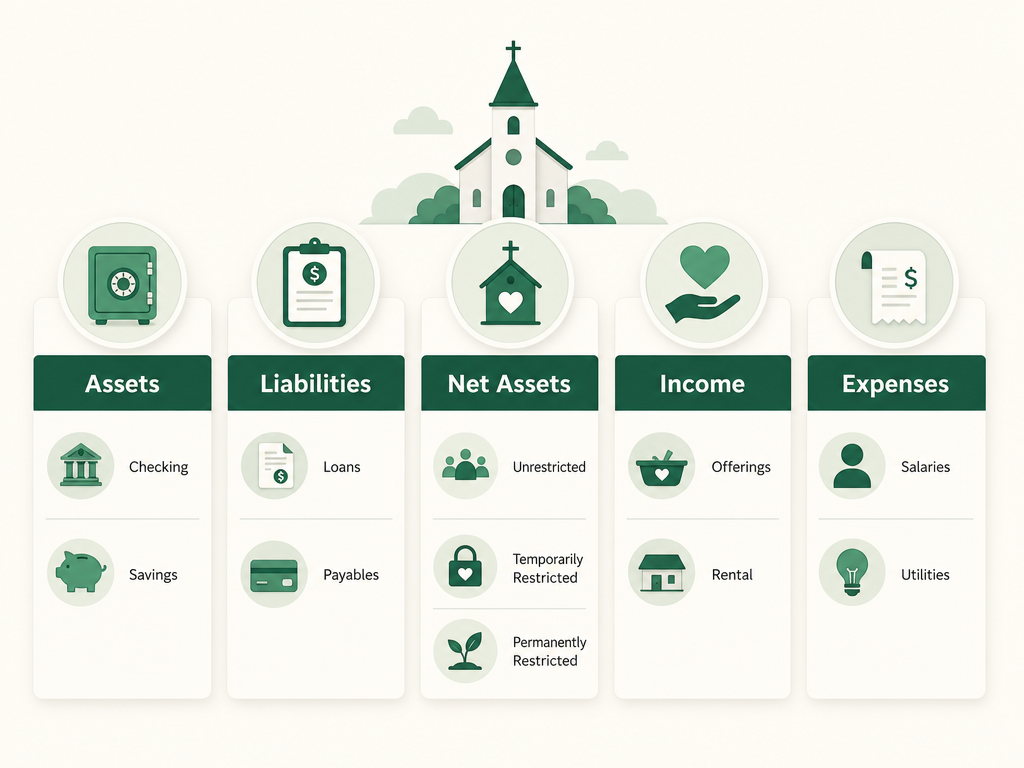
Every account is one of five types. A common numbering scheme puts each type in its own range:
- Assets (1000s) — what the church has: checking, savings, petty cash, the building.
- Liabilities (2000s) — what it owes: payroll taxes payable, a mortgage, unpaid bills.
- Net assets (3000s) — the church’s “equity”: your accumulated fund balances (this is where church fund accounting lives on the balance sheet).
- Income (4000s) — money in: tithes and offerings, designated giving, facility rental, fundraisers.
- Expenses (5000s+) — money out: salaries, payroll taxes, utilities, missions, benevolence, facilities, ministry supplies.
A church with maybe 30–50 accounts total is in good shape. If you’re past a hundred, you’ve probably over-built.
The mistake that doubles your chart of accounts
Here’s the trap. A treasurer wants to track utilities for the building fund separately from the general fund, so they create “Utilities – General” and “Utilities – Building.” Do that across every account and your chart of accounts explodes — and you still can’t cleanly report by fund.
The fix is to understand that funds are a separate dimension, not more accounts. You keep one “Utilities” account, and you tag each utility expense with the fund it belongs to. One account list, used across all your funds.
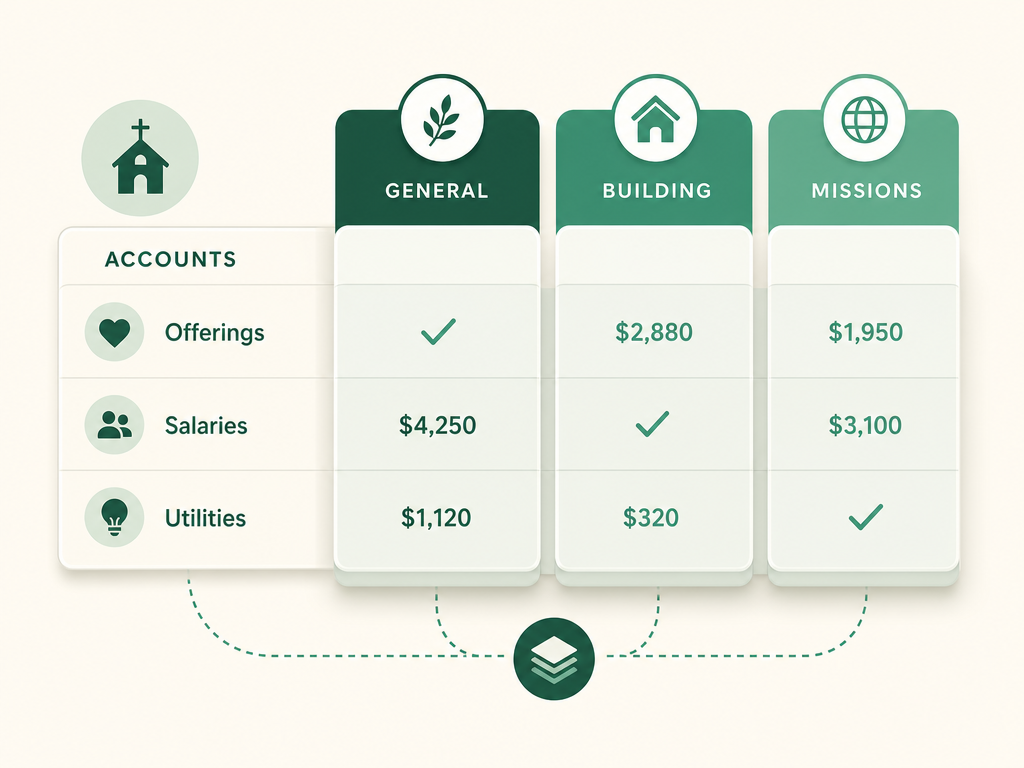
In older for-profit software like QuickBooks, churches fake this dimension with “classes.” Purpose-built church software treats the fund as a first-class field on every transaction, so you pick the fund from a dropdown and the reporting-by-fund just works. (More on that in fund accounting vs. regular accounting.)
A simple sample church chart of accounts
You can grab this as a ready-to-use chart of accounts template and adapt it to your church.
| # | Account | Type |
|---|---|---|
| 1010 | Checking | Asset |
| 1020 | Savings | Asset |
| 2010 | Payroll taxes payable | Liability |
| 3010 | General fund balance | Net assets |
| 3020 | Building fund balance | Net assets |
| 4010 | Tithes & offerings | Income |
| 4020 | Designated giving | Income |
| 4030 | Facility rental | Income |
| 5010 | Pastoral salaries | Expense |
| 5020 | Payroll taxes | Expense |
| 5030 | Utilities | Expense |
| 5040 | Missions | Expense |
| 5050 | Benevolence | Expense |
| 5060 | Facilities & maintenance | Expense |
Start near this, then add an account only when you have a real, recurring reason — never “just in case.”
How to keep it healthy
- Mirror how you actually operate — group expenses by the ministries and bills you really have.
- Keep funds out of account names — tag the fund instead.
- Be consistent — the same expense always lands in the same account, so year-over-year reports mean something.
- Prune yearly — retire accounts you never use.
In Vestrybooks, you start from a church chart of accounts that’s already sensible, and every transaction carries its fund — so reporting by fund needs no spreadsheet gymnastics. See plans →
FAQ
What is a chart of accounts for a church? The organized list of every account the church’s money flows through — assets, liabilities, net assets, income, and expenses — that all your financial reports are built from.
How many accounts should a church have? Usually 30–50. Enough to reflect your real income and ministries, not so many that nobody can keep them straight.
Should each fund be its own account? No. Keep one account list and treat the fund as a separate dimension you tag on each transaction. Fund-per-account naming bloats the chart and still reports poorly.
Can I use QuickBooks’ chart of accounts for a church? You can, using “classes” to approximate funds — but it’s a workaround. Church-specific software makes the fund a built-in field, which is far less error-prone.
This article is general information for church treasurers, not professional tax or legal advice. For your church's situation, consult a qualified accountant or attorney.
Track every fund the easy way.
Vestrybooks does real fund accounting in plain language — pick a fund, and restricted gifts stay separate automatically, across every account and card.
A real free plan · no credit card · your data stays yours